Your first ten minutes
Choose a starting point, set one manageable action and know where your work will be saved.
Before you start
You can browse the assessment, Labs, courses and tool catalogue without an account. You will need to sign in to open a Lab workspace or your founder portal. Keep a stable connection for account creation and cloud saving.
These ten minutes help you choose and begin an action. They are not a promise to complete a Lab or validate a venture.
1. Find your starting stage
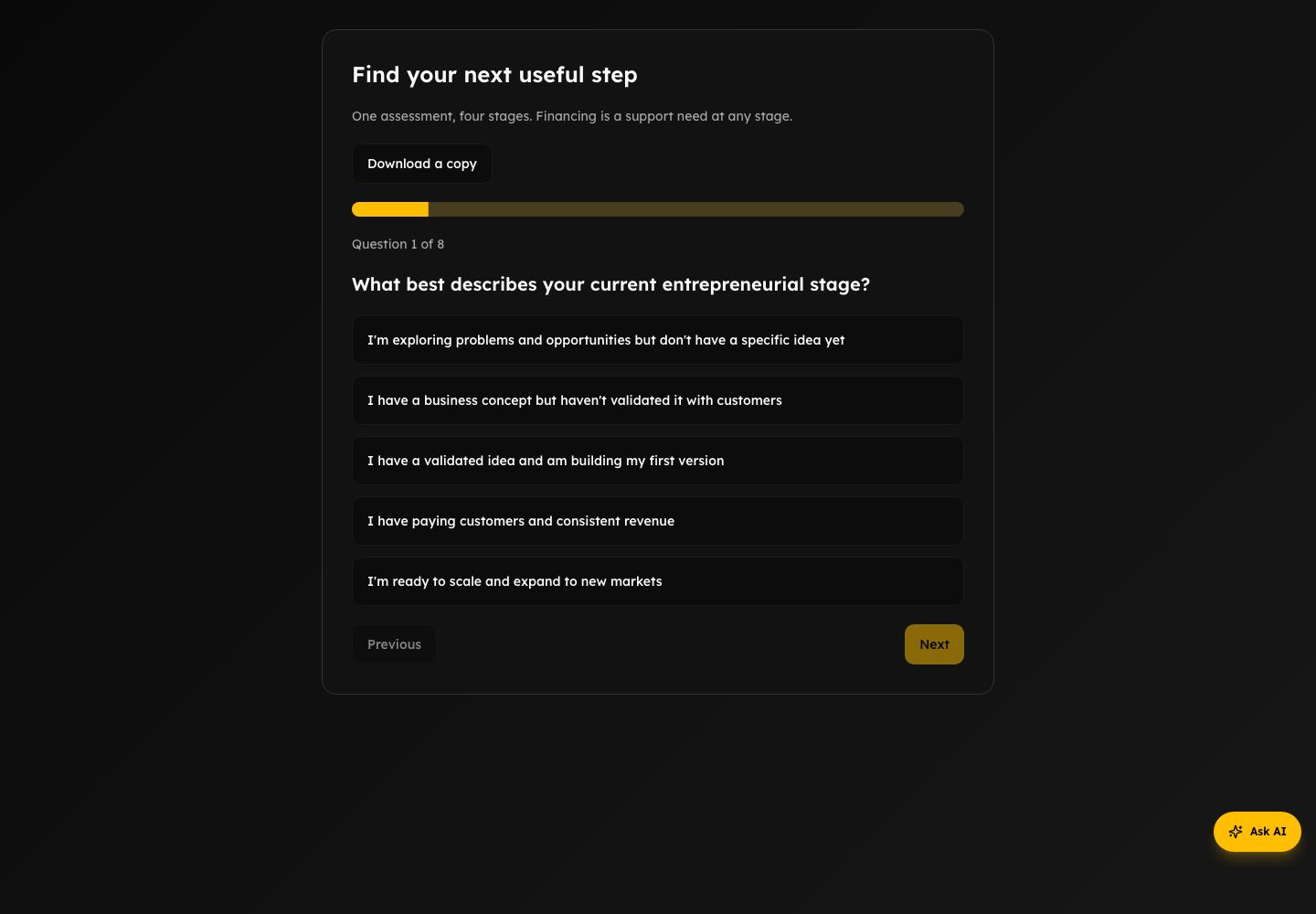
Open the founder assessment and answer the questions about your current situation. Review the recommended stage on the results page. You can choose a different stage when it better reflects the work you need to do.
The assessment is a starting recommendation, not a qualification, programme admission or funding decision. If you want a lighter first step, the Starting Zone helps you choose a stage and a weekly building goal.
2. Create your founder account
Choose Get Help / founder signup. Complete the account steps shown. If confirmation is requested, use the email you receive before continuing. People offering mentorship should use the mentor path instead.
3. Set your next useful move
Open the Founder workspace and choose Set up my next move. Describe your venture or problem, your stage, the uncertainty you want to reduce and the time you can spend. Save those details. You can return to the overview and reopen the form to continue a device draft.
Choose one action you can carry out, the observation you are looking for and when you plan to do it. A conversation with a potential customer may be more useful than another document.
Build your rhythm shows which foundations you have saved: venture context, a next move, and evidence with a decision. These are saved-work milestones, not a score or a measure of venture readiness. Practice records do not complete the evidence milestone.
4. Begin one piece of work
Open the recommended Lab, or choose one relevant tool. Write a first answer and check its save state before leaving. Use the saving guide to understand whether that workspace keeps a device draft, a cloud copy or both.
You can take a course when it helps with your action. Completing the course library is not a prerequisite for building.
What happens next
Do the action, then return to Record what happened in the founder journey. Record the observation, your decision and the next action. If you have not done the work yet, keep it as a plan; do not invent results to complete a screen.